Apple Guideline 3.1.2: Fix Missing EULA and Privacy Policy Links
Content edited . This editorial update does not represent a new runtime test.
On this page
A subscription rejection under Guideline 3.1.2 can involve missing information in the app, its App Store metadata, or both. Read the exact review message, then check that the Terms of Use and Privacy Policy links open from the submitted build and appear in the relevant metadata fields.
This case concerns LingoBoard’s auto-renewable subscriptions. Its original release note records that subscription products and the paywall were configured, but the app was rejected because the required document links were missing.
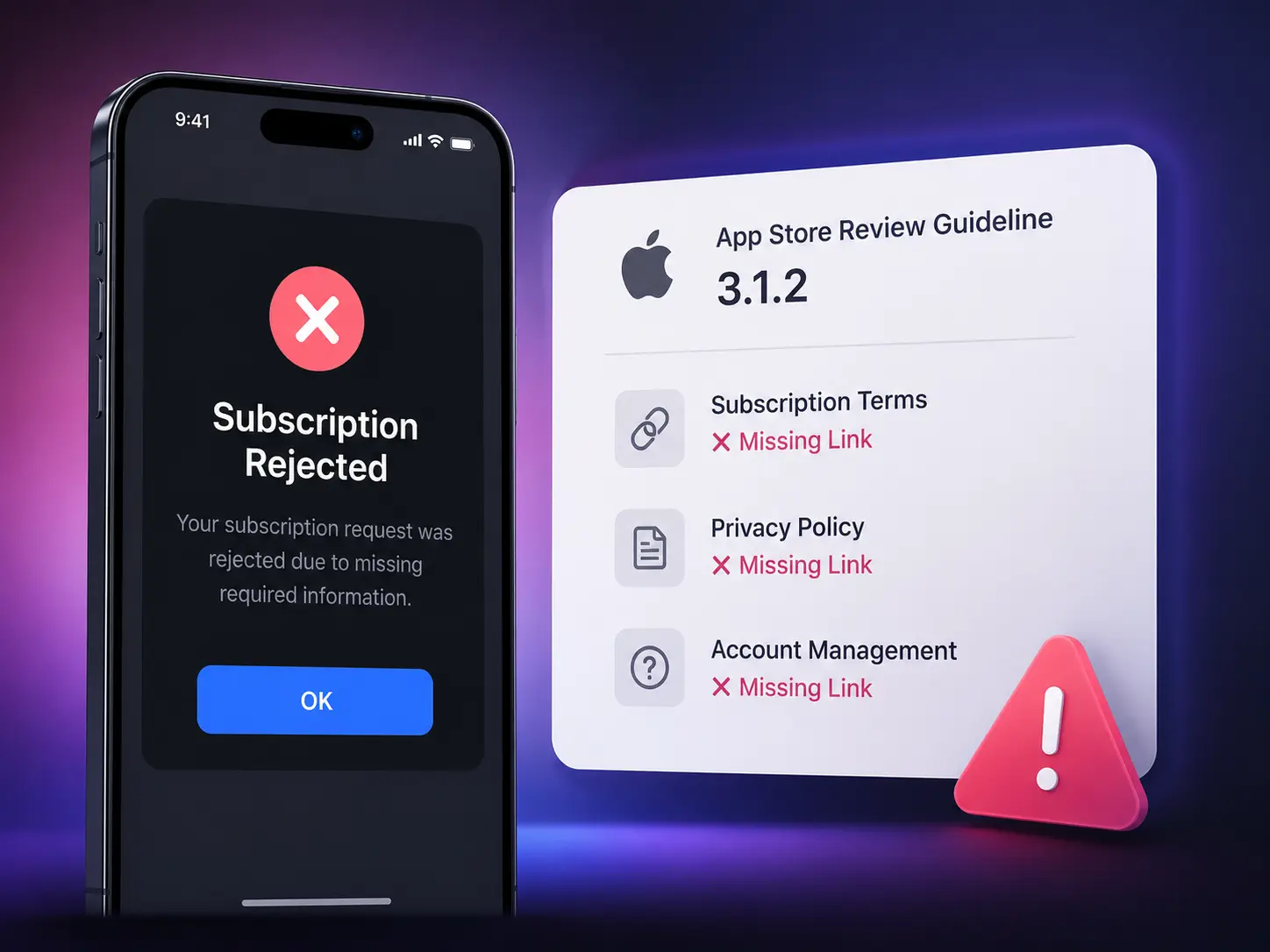
Match the review message to the change
Guideline 3.1.2(c) concerns subscription information, including what the customer receives for the price. Missing legal links are this case’s specific problem, not the only possible reason for a 3.1.2 rejection.
| Review message or failed check | Inspect first | Change required |
|---|---|---|
| Terms or privacy links are missing or cannot be opened in the app | Submitted paywall and the route back to those documents | Add or repair the controls in the binary; update the destination website if that is the failure. |
| Privacy Policy URL or EULA information is missing from metadata | App Privacy, each localized app description, and the applicable license setup | Correct the exact metadata field named by review; a new binary alone does not save it. |
| Subscription benefits, duration, or price are unclear | The information shown before purchase | Fix the subscription presentation; adding legal links alone does not answer this issue. |
| A link opens another product’s policy or requires an account | Document destination and public access | Correct the document or URL, then retest the submitted build. |
Apple’s privacy guideline also requires an accessible in-app privacy-policy link and the metadata link. Use the complete feedback to determine which obligations are involved.
What changed in the LingoBoard submission
The documented fix added visible Privacy Policy and Terms of Use links to the host app’s home-screen footer and subscription screen. The app used Apple’s Standard EULA. The original account reports that the resubmission passed review; that outcome is specific to this submission, not a promise for other apps.
Check the app binary and metadata separately
| Location | What to check |
|---|---|
| Paywall | Links can be opened before purchase; subscription name, duration and price are understandable. |
| Settings or home screen | Users can find the policy and terms again after leaving the paywall. |
| Privacy Policy metadata | The URL resolves to the app’s actual policy. |
| Terms of Use metadata | Supply the applicable EULA information; check the Standard EULA versus custom-license setup. |
Apple’s subscription guideline requires accessible subscription information, including privacy and terms links. Footer placement was our implementation choice, not a universally mandated screen location.
Add the links to the running app
For a SwiftUI app, the following component takes the URLs from your app’s configuration. Place it in the paywall and another accessible screen, such as Settings:
import SwiftUI

struct SubscriptionLegalLinks: View {
    let termsURL: URL
    let privacyURL: URL

    var body: some View {
        VStack(alignment: .leading, spacing: 12) {
            Link("Terms of Use", destination: termsURL)
            Link("Privacy Policy", destination: privacyURL)
        }
    }
}
Pass the actual HTTPS privacy-policy URL for this product, and the terms that apply to it. Do not reuse another app’s policy just to make the link open. This component only supplies links: it does not configure App Store metadata, display subscription prices, or implement purchases.
On October 14, 2026, this component also passed swiftc -typecheck for an arm64 iOS Simulator target with an iOS 17.0 deployment target, the iPhoneSimulator 27.0 SDK and Apple Swift 6.4. This checks iOS API and type compatibility; it does not launch a paywall or prove that tapping a link works. The component has not been integrated into LingoBoard or tested on an iPhone in this revision. Apple’s Link documentation describes the platform control.
Configure the two metadata paths
Privacy Policy: In App Store Connect, open the app’s App Privacy section and edit the Privacy Policy URL. Save the public URL for the app’s actual policy. Apple’s privacy setup instructions describe this field. Privacy-questionnaire answers do not supply a missing URL.
Terms of Use: First determine which license your app uses. Apple states that a standard EULA applies when no custom EULA is supplied, but its license link is not automatically shown on the product page. See the license-agreement instructions.
For a Standard EULA link, use Apple’s public document:
Terms of Use (Apple Standard EULA):
https://www.apple.com/legal/internet-services/itunes/dev/stdeula/
If review asks for an EULA link in the app description, add the applicable link to that description and check each submitted localization. For a custom EULA, use App Information → License Agreement to configure the actual agreement and applicable territories. Do not paste a URL into the custom agreement’s plain-text document field as a substitute for the agreement itself.
Verify before resubmitting
Test the exact build that will be submitted, before buying a subscription and while signed out:
- Paywall links: Both documents open from visible controls. If controls are missing or broken, fix the binary and upload the corrected build.
- Return access: Documents remain reachable after leaving the paywall. Add a stable entry in Settings or another appropriate screen if necessary.
- Document destination: The final page is readable, public and belongs to this app. Repair authentication, redirects or the URL if it is not.
- Privacy metadata: App Privacy contains the correct saved URL. Save this field independently of app changes.
- EULA metadata: The reviewer can reach the agreement through the required metadata. Repair the exact description or license configuration named in review.
- Localization: Every submitted localization gives an intelligible route to the documents. Correct the localized fields or link labels where needed.
A website change can fix document content or redirects, but cannot add a missing button to an already uploaded app binary. Conversely, a new binary does not automatically update metadata fields.
Record the build-level results
For each document control, record the screen, signed-in state, selected localization, final destination and observed result. Use the actual submitted build, not a different debug version. A useful record is:
App version/build: [actual values]
Device and OS: [actual values]
Screen and state: [paywall before purchase / Settings / signed out]
Localization: [tested language]
Terms result: [opened URL, final destination, or failure]
Privacy result: [opened URL, final destination, or failure]
Metadata saved: [field, localization, and date]
Evidence: [redacted screenshot or test record]
If you cannot inspect a historical build or localization, mark it unverified. Avoid putting account credentials or customer details into a public case study.
Give the reviewer a reproducible route
After performing the checks, adapt this note to the changes you actually made:
Build: [version and build number]
In-app links: Open [screen], then tap Terms of Use or Privacy Policy.
Metadata: [field and localization changed]
License used: [Apple Standard EULA or the configured custom EULA]
Supply only facts you verified. Keep the reviewer message, before/after screens and final response with your release notes. The LingoBoard outcome above remains an author-reported historical case; this revision does not provide the original review correspondence or a new approval result.
Related: ITMS-91053 privacy manifests address API declarations, a separate submission requirement.
Evidence available for this update
| Evidence | What it establishes | What remains unverified |
|---|---|---|
| Original LingoBoard account | The author reported adding links and passing resubmission. | Original review correspondence, before/after app screens and an approval receipt were not available for this update. |
| iOS Simulator SDK type check | The published SwiftUI component type-checks for the stated target. | App integration, navigation, purchase states and device interaction. |
| Direct HTTPS request to Apple’s Standard EULA on October 14, 2026 | The public EULA URL returned HTTP 200. | Whether a particular app opens that URL or uses the correct license. |
The image above is an illustration, not an original App Store Connect screenshot. No metadata was changed, no app was uploaded, and no new approval result is claimed. Keep the historical outcome separate from checks performed for this editorial update.